We’re excited to share that Rooms, our new two-way communication platform, is officially live across Jewell School District!
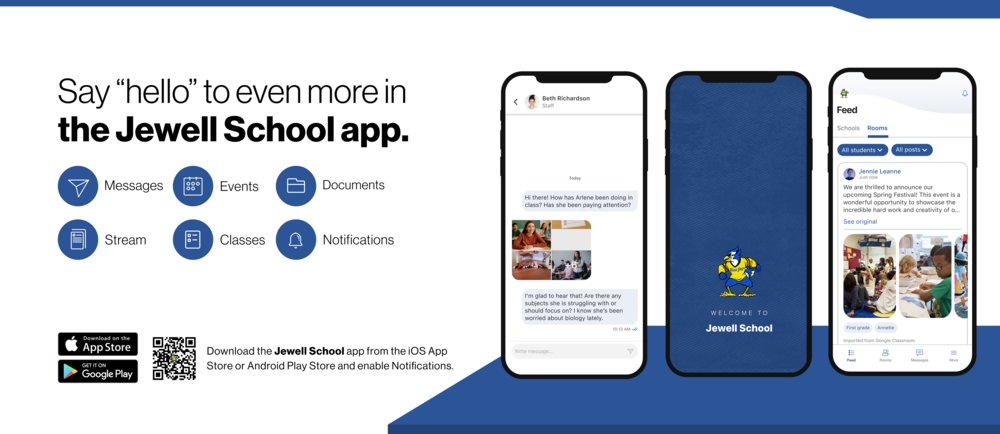
Starting today, families will begin receiving messages and updates directly from their child’s teachers, coaches, and school staff—all inside the Jewell School app or a secure mobile web experience.
Built to help you connect with Jewell School!
Say hello to an easier way to stay connected:
✅ Messages you won’t miss — Delivered by text, push notifications, or email
✅ No additional logins — One login for all you need to know from Jewell School
✅ Accessible on the go — Stay up-to-date via a free mobile app or web experience
✅ One inbox for all updates — From classroom info, to district alerts and direct messages
✅ Communications in your language — Automatic translation into your preferred language
Getting Started is as Easy as 1, 2, 3!
Watch for messages and announcements from your school
Click the link in any message to respond or follow up
Update your notification settings to choose how and when you’re notified
If you’d like to stay connected on the go, consider downloading the free [district] mobile app.
Download for Android: Jewell School Mobile App for Android
Download for iPhone: Jewell School Mobile App for Apple
We’re proud to bring you a better, more connected experience.